Configuring global achievements
Overview
AccelByte Gaming Services (AGS) includes a service that empowers you to create a global achievement (collective player stats to unlock a community achievement). It is similar to an incremental achievement, as the contributed value will be stored in the AccelByte statistics and only players who contributed can unlock the achievement once the target is reached.
In this guide, you will learn how to configure global achievements in the AGS Admin Portal or with the AGS CLI.
Goals
- Provide an understanding and overview about achievement configurations.
- Provide an understanding on how to utilize global statistics for global achievements.
Prerequisites
- Access to the AGS Admin Portal.
- Access to AccelByte Achievement API documentation.
- Access to the AccelByte Statistics API to configure the required information.
- To follow the AGS CLI steps, you must have installed the AGS CLI and signed in with an account that has access to these features. See Install and sign in. The examples use a Bash shell.
Configure global achievement
Since it is similar to the incremental achievement, please make sure that you have already set up a global statistic configuration. You can follow the guide for tracking global statistics to set up a global statistic configuration.
Once the global statistic configuration is set up, you can use that to create the global achievement. You can set up an achievement configuration from the AGS Admin Portal or with the AGS CLI by following the steps below:
- Admin Portal
- AGS CLI
- On the Admin Portal sidebar, go to Online > Achievements > Configuration.
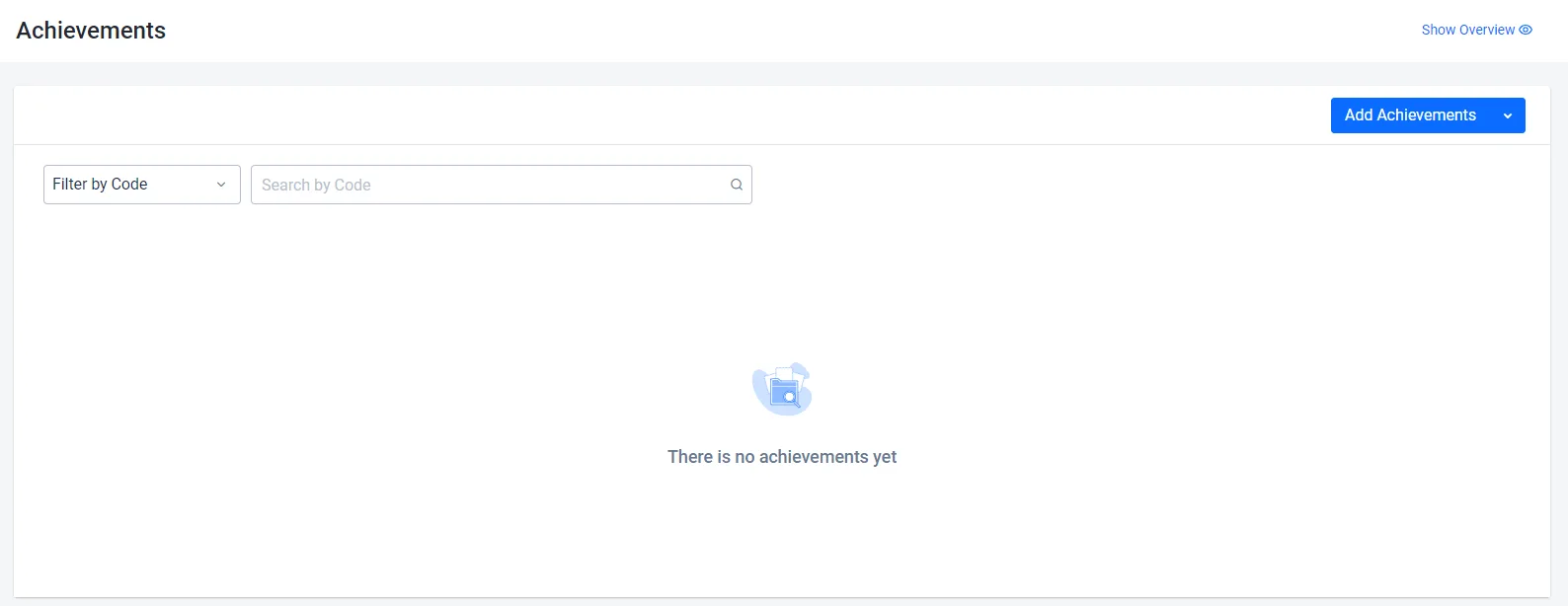
- On the Achievements page, click on the Add Achievement button.

- On the Add New Achievements form, fill in the required information:
- Fill in the Code field with information in the allowed format (e.g.,
hero-collector), as well as the achievement Name to make it easier for you to identify the achievement in the future. You are also required to fill in the Description to provide extra information about the achievement you created.

- For Global Achievement, you need to set Set as Global as active. Also, since it is similar to incremental achievements that stored contributed values in the AccelByte Statistics service, you need to make sure Incremental is set to active.

- You are also required to input the Goal Value and a Statcode of the global statistic associated with this achievement.
The Goal Value should not exceed the Max. Value defined in the Statistic configuration.

- You are also required to add an image for the Locked Icon. This will be displayed for players who do not have this achievement yet.
- Add an Unlocked Icon, which will display when the achievement is unlocked.
- There are also optional fields that you can use such as Tags and Custom Attributes to store additional information for your achievement.
- Click Add. The new achievement is added to the achievements list.
-
Create a JSON file with the achievement's settings. Any file name works. This example uses
achievement.json:{
"achievementCode": "<AchievementCode>",
"defaultLanguage": "en",
"name": { "en": "<AchievementName>" },
"description": { "en": "<AchievementDescription>" },
"hidden": false,
"incremental": true,
"global": true,
"statCode": "<GlobalStatCode>",
"goalValue": 100,
"lockedIcons": [{ "slug": "<LockedIconName>", "url": "<LockedIconUrl>" }],
"unlockedIcons": [{ "slug": "<UnlockedIconName>", "url": "<UnlockedIconUrl>" }]
}achievementCode,name, anddescription: the Code, Name, and Description.nameanddescriptiontake one text per language, anddefaultLanguagemust be one of those languages.globalandincremental: bothtruefor a global achievement. A global achievement must be incremental.statCodeandgoalValue: the Statcode of the global statistic and the Goal Value. The goal value must be at least1.lockedIconsandunlockedIcons: the Locked Icon and Unlocked Icon. The Admin Portal uploads the image for you. With the AGS CLI, seturlto the address of an image that is already hosted, andslugto a name for the icon.
To set more fields, add them to the file. To see every field, run
ags achievement achievements create --skeleton. These fields match the optional Admin Portal settings:Admin Portal setting Request body field Tags tagsCustom Attributes customAttributes -
Create the achievement. After
@, pass the path to your JSON file:ags achievement achievements create --namespace <YourNamespace> --json @achievement.jsonThe command prints the new achievement.
Next steps
After setting up global achievements, you can start integrating them into your game. Refer to the following articles:
- Display player achievements using AGS SDK
- Unlock player achievements using AGS SDK
- Manage player achievements from the Admin Portal
- Group and filter achievements
The Achievements service also supports configuring progressive achievements and hidden achievements.