Release 0.5.0
Overview
AGS CLI 0.5.0 is the first release since 0.4.0 on 21 July 2026. It adds three capability areas in early preview: unified Extend tooling, AMS image upload, and custom workflow files. It also introduces one-command installers for all platforms and automatic update notifications. Command names, flags, and file formats in the early preview areas may still change, so avoid building automation against them for now.
Highlights
Unified Extend tooling (early preview)
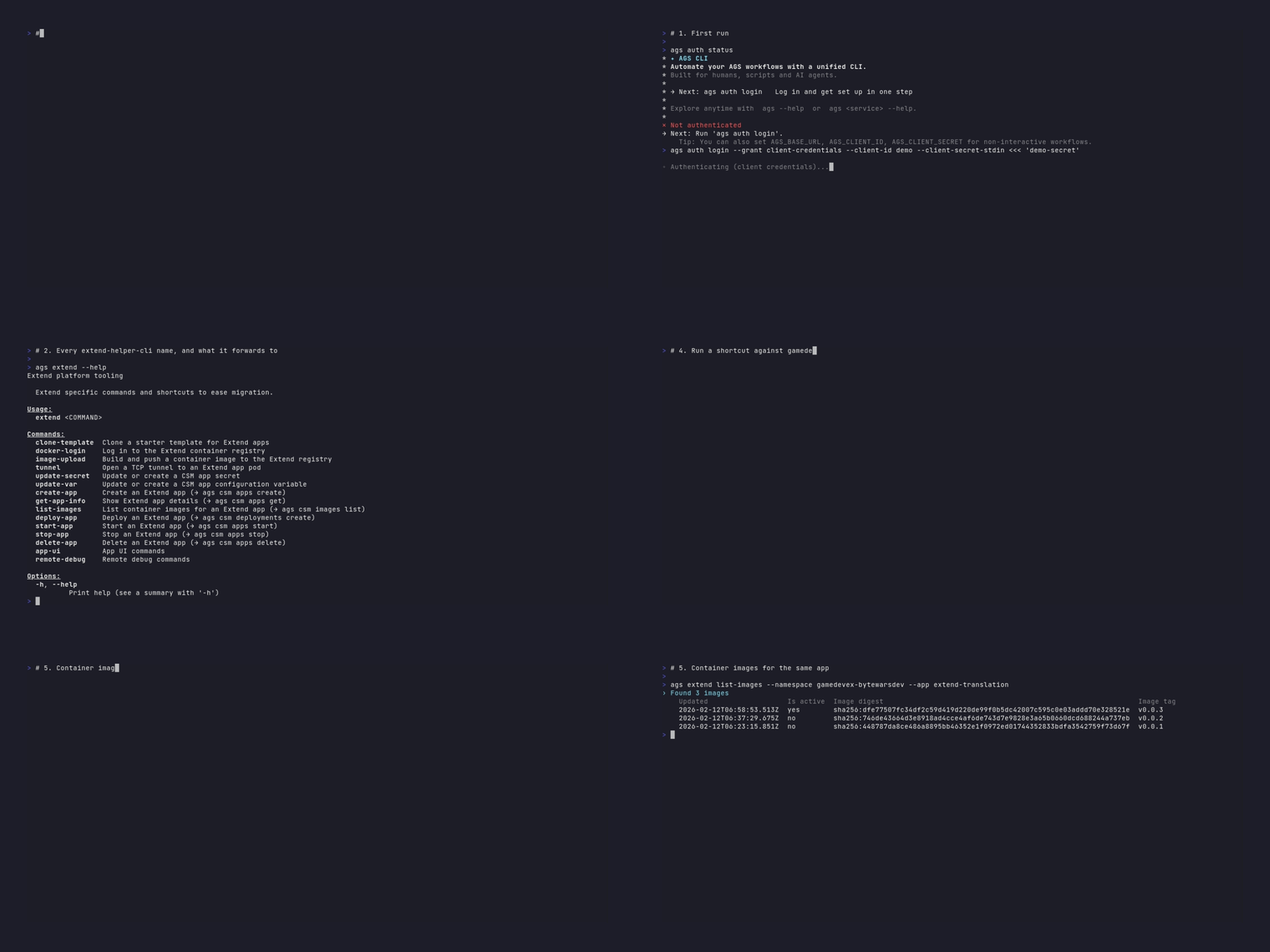
The commands from extend-helper-cli are now available inside the AGS CLI, so one tool covers both.
New commands under ags extend:
ags extend clone-template: clone a starter template for Extend appsags extend docker-login: log in to the Extend container registryags extend image-upload: build and push a container image to the Extend registryags extend tunnel: open a TCP tunnel to an Extend app podags extend update-varandags extend update-secret: update or create CSM app configuration variables and secretsags extend app-ui create,upload, andsetup-env: create, upload, and configure an Extend App UIags extend remote-debug enable,disable, andconnect: manage remote debugging sessions
ags extend --help also lists migration shortcuts that match the extend-helper-cli invocation shape. Each shortcut shows the canonical ags csm address it forwards to, so you can see where the permanent address is and update your scripts when you are ready.
AMS image upload (early preview)
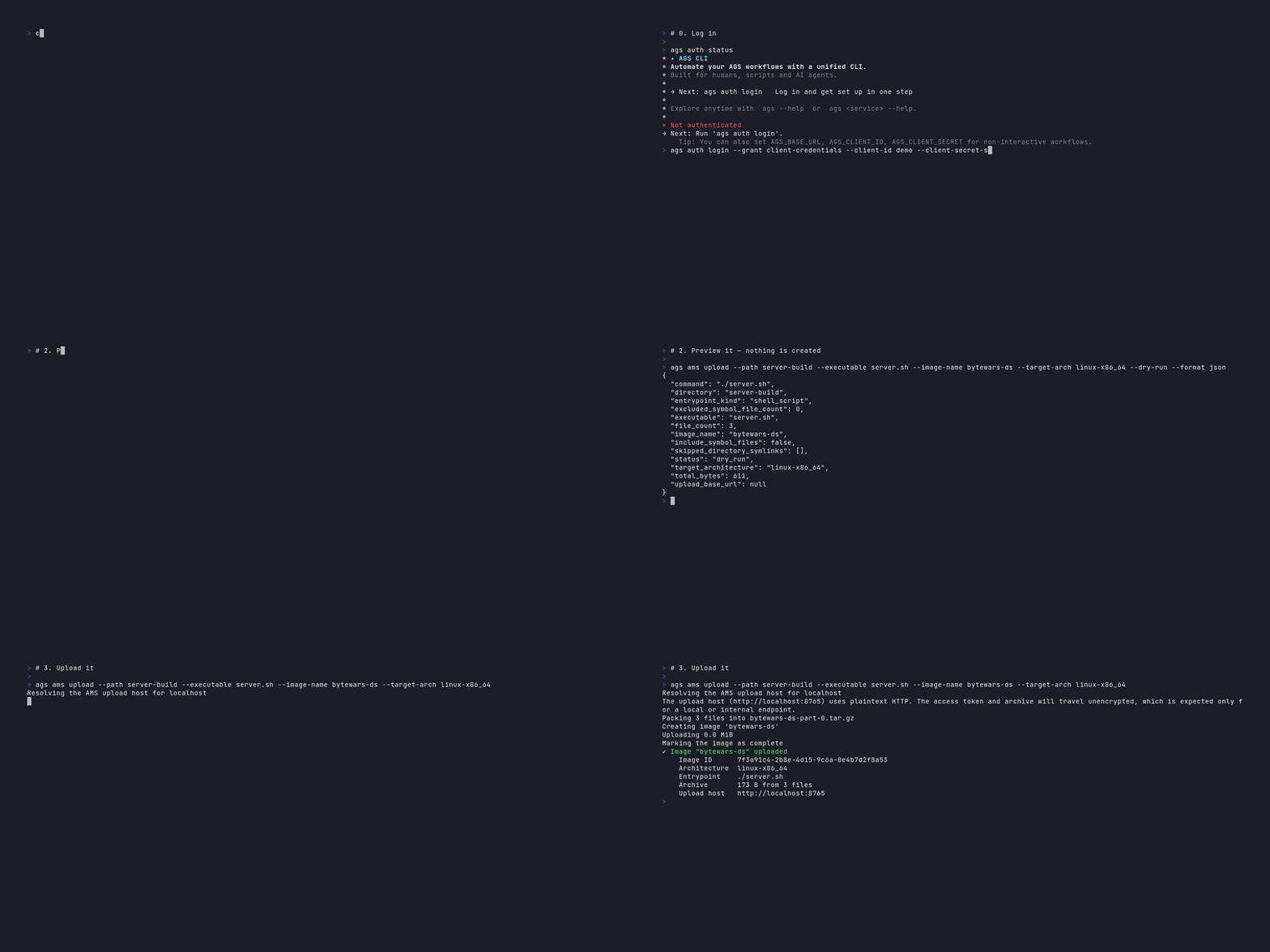
You can now upload a dedicated server image to AMS without a separate tool.
ags ams upload --path ./build --executable server --image-name my-server-image
The command archives the build directory, uploads it, and registers the image in one step. It requires the AMS:UPLOAD permission with Create and Update, entered un-namespaced. That is a different permission from the AMS:IMAGE permission behind ags ams images, so being able to list images is not enough.
Custom workflow files (early preview)
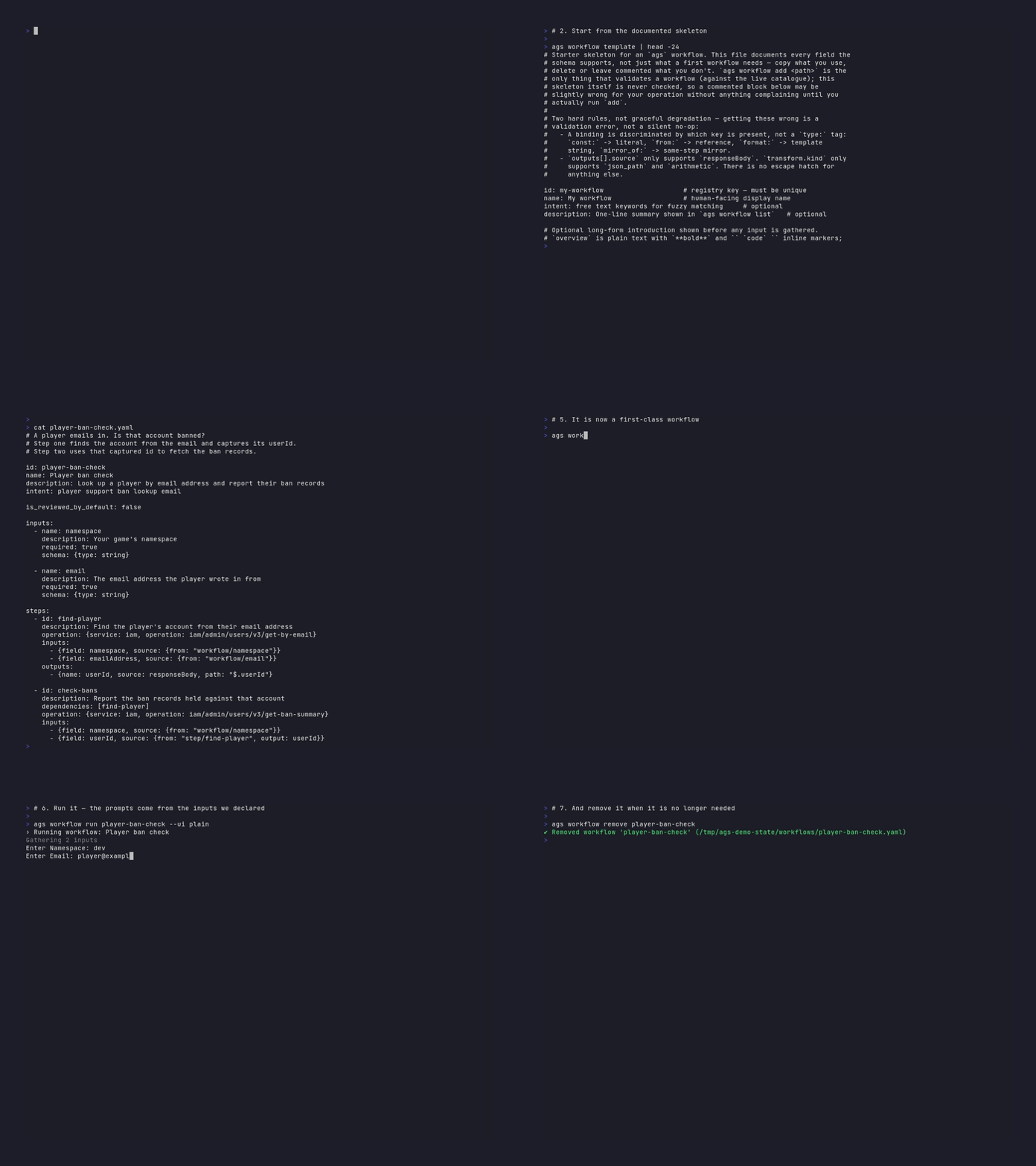
You can now write your own workflow files in YAML and run them, in addition to the built-in workflows the CLI ships with.
| Command | What it does |
|---|---|
ags workflow template | Generate a starter workflow file with the schema documented inline |
ags workflow add <file> | Register a workflow file so it can be run by id |
ags workflow remove <id> | Remove a registered workflow |
ags workflow run <id> | Run a registered workflow |
Workflow steps can call an AGS operation or run a local action from a built-in set. A workflow input can be declared as a file picker, which opens a directory browser instead of prompting for a path.
Every workflow file declares the protocol version it was written against:
workflow_protocol_version: "1.0.0"
ags workflow add rejects a file that omits this field or declares a value that is not a valid version number. ags workflow template generates a starter file with the field already filled in. If the declared version differs from the version the CLI supports, the CLI prints a short note when the workflow runs.
Installers and update notifications
Earlier releases published archives that you had to download and unpack yourself. 0.5.0 adds one-command installers for macOS, Linux, and Windows:
# macOS and Linux
curl --proto '=https' --tlsv1.2 -LsSf \
  https://github.com/AccelByte/accelbyte-ags-cli/releases/latest/download/accelbyte-ags-cli-installer.sh | sh

# Windows, in PowerShell
powershell -ExecutionPolicy Bypass -c \
  "irm https://github.com/AccelByte/accelbyte-ags-cli/releases/latest/download/accelbyte-ags-cli-installer.ps1 | iex"

# macOS and Linux, with Homebrew
brew install accelbyte/tap/ags-cli
The installers place ags in ~/.cargo/bin on macOS and Linux, or %USERPROFILE%\.cargo\bin on Windows.
The CLI now checks once a day, in a background process that never delays your command, whether a newer release is available. When one is found it prints a single line to standard error. Set AGS_NO_UPDATE_CHECK=1 or set update-check to false in your configuration to turn this off. The check does not run when you use --format json, when standard error is not a terminal, or in CI.
Telemetry
The CLI records anonymous usage data by default, so the team can see which commands matter and where they fail. Set DO_NOT_TRACK=1 to turn it off. See the Commands page for details.
Full release notes
See the 0.5.0 release on GitHub for the complete list of changes, fixed bugs, and compatibility notes.